
GambleZen App UK 2026: Put the Full Casino, Cashier and Bonus Map on Your Home Screen
GambleZen mobile play is built around the same account used on desktop, so your GBP balance, promotions, ZenCoins, favourites, wagering progress and verification status move with you. Android users can follow the download control shown on our mobile site when an APK package is offered, or install a browser-based home-screen shortcut. iPhone and iPad users can create an app-style icon through Safari without downloading an external file. Both routes open the responsive casino lobby with more than 12,000 games, live dealer tables, support and cashier access. The key security rule is uncomplicated: begin from our site, inspect the domain and never install a GambleZen file sent through an advert, message or third-party mirror.
The GambleZen Casino UK guide covers the games, cashier and account features available across devices.
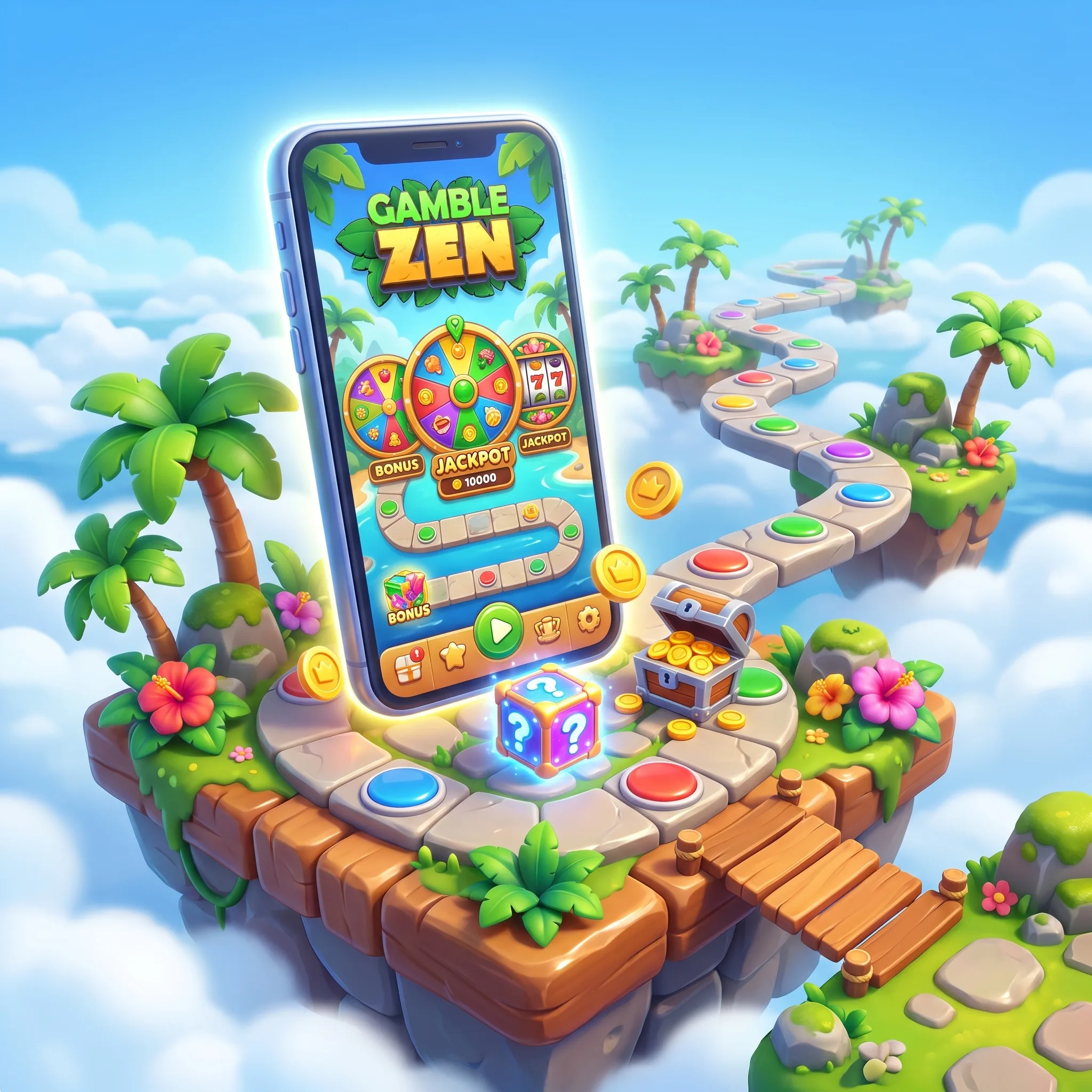
Choose the installation route that matches your device
Android can use the verified APK control or Chrome home-screen install. On iPhone and iPad, Safari creates the shortcut. Both routes use the existing account; confirm the GBP balance and active reward before wagering.
Install the GambleZen APK without bypassing basic security
- Open our official site directly in Chrome on Android.
- Sign in and locate the mobile or download control in the menu.
- Tap the Android/APK option and allow the file to finish downloading.
- Open Android Settings → Security/Privacy → Install unknown apps.
- Give temporary installation permission only to the browser used for the download.
- Open the downloaded package, check the displayed app name and complete installation.
- Remove the temporary unknown-app permission after the icon appears.
- Launch the app and verify the site address, balance and recent activity.
Add GambleZen to an iPhone home screen in four taps
Open the casino in Safari, tap the Share icon, choose Add to Home Screen, review the name and press Add. The new icon launches a clean browser window while retaining the web service’s current security and game catalogue. Face ID or Touch ID can protect the device, but they do not replace your GambleZen password or account verification.
Mobile games keep the same providers and account controls
The mobile lobby includes slots from Pragmatic Play, Play’n GO, Hacksaw Gaming, Nolimit City, Relax Gaming, NetEnt, Wazdan and BGaming, alongside live content from Evolution and Ezugi. Titles such as Sweet Bonanza, Gates of Olympus, Big Bass Bonanza, Fire Joker and Tombstone: No Mercy are built in HTML5 and scale to portrait or landscape screens.
Live roulette, blackjack and baccarat need a stable connection. Close background video and check game history after a disconnect; the server record determines the completed result.
Before using free spins on a mobile title, review eligible games and wagering in the GambleZen UK bonus guide.
Bonuses and free spins need the same checks on mobile
Open Promotions before depositing. Confirm the GBP minimum, wagering base, maximum stake, eligible game and expiry, then select the reward in the mobile cashier. Free spins may open only in their assigned title. If the promotion is active, monitor the wagering bar and avoid switching to a game with zero or reduced contribution.
Registration and bonus activation are separate. Check the promotion selector before authorising payment.
The mobile cashier supports cards, wallets and crypto controls
Available methods can include Visa, Mastercard, Apple Pay, Google Pay, Skrill, Neteller, MiFinity, MuchBetter, bank routes, Bitcoin, Ethereum, Litecoin, Dogecoin, USDT and TRON. The cashier shows the methods, limits and fees assigned to your account.
For crypto, match the network and copy the address carefully. Use cards and wallets in your own name. Mobile KYC images must show every corner with readable text.
If you are opening an account from your phone, the GambleZen UK registration guide explains the profile and verification requirements.
Update cleanly and keep the account out of other hands
Browser installations update with the service. An APK may require a fresh package from the same verified page. Use a device passcode, keep the operating system current and avoid public Wi-Fi for payments or KYC. If the phone is lost, reset the password from another trusted device.
Mobile play should stop when your planned session ends
A home-screen icon makes the casino easier to reach, so limits become more important. Decide the deposit and session duration before opening the app, disable promotional notifications when they encourage unplanned play and never chase a loss. Support can explain account restrictions and self-exclusion. GamCare, Gambling Therapy, Gamban and BetBlocker offer independent assistance.
FAQ
Android users can follow the APK or installation control displayed on our mobile site. Use only the package reached directly from that route.
Open the site in Safari, tap Share, choose Add to Home Screen and confirm the icon name.
No. Use the same registered email and password so balances, bonuses, favourites and KYC status remain connected.
Yes. Open Promotions, activate the chosen stage and select it in the cashier before making the qualifying deposit.
The HTML5 catalogue includes slots, table games, crash formats and live dealer games from major studios, with search and favourites available on supported devices.
Use the update route shown inside the installed service or download a fresh package from our verified mobile page. Do not use third-party APK repositories.
Yes. The mobile cashier supports the methods assigned to your account and displays the relevant minimums, review status and transaction history.
Reconnect, open game history and check the recorded round before wagering again. Contact support with the game, time and round identifier if the result is unclear.
Yes. Photograph documents in good light, include every corner and upload them only through the secure account verification route.