
Put GambleZen on Your Canadian Home Screen Without Splitting the Account
The mobile route uses the same account, CAD balance, promotions, VIP progress and transaction history as desktop. You do not register again. Android users can install an APK when the official download control is displayed, while iPhone users can create a Safari home-screen shortcut that opens the responsive site like an app.
Explore the full game and cashier overview in the GambleZen Casino Canada guide.
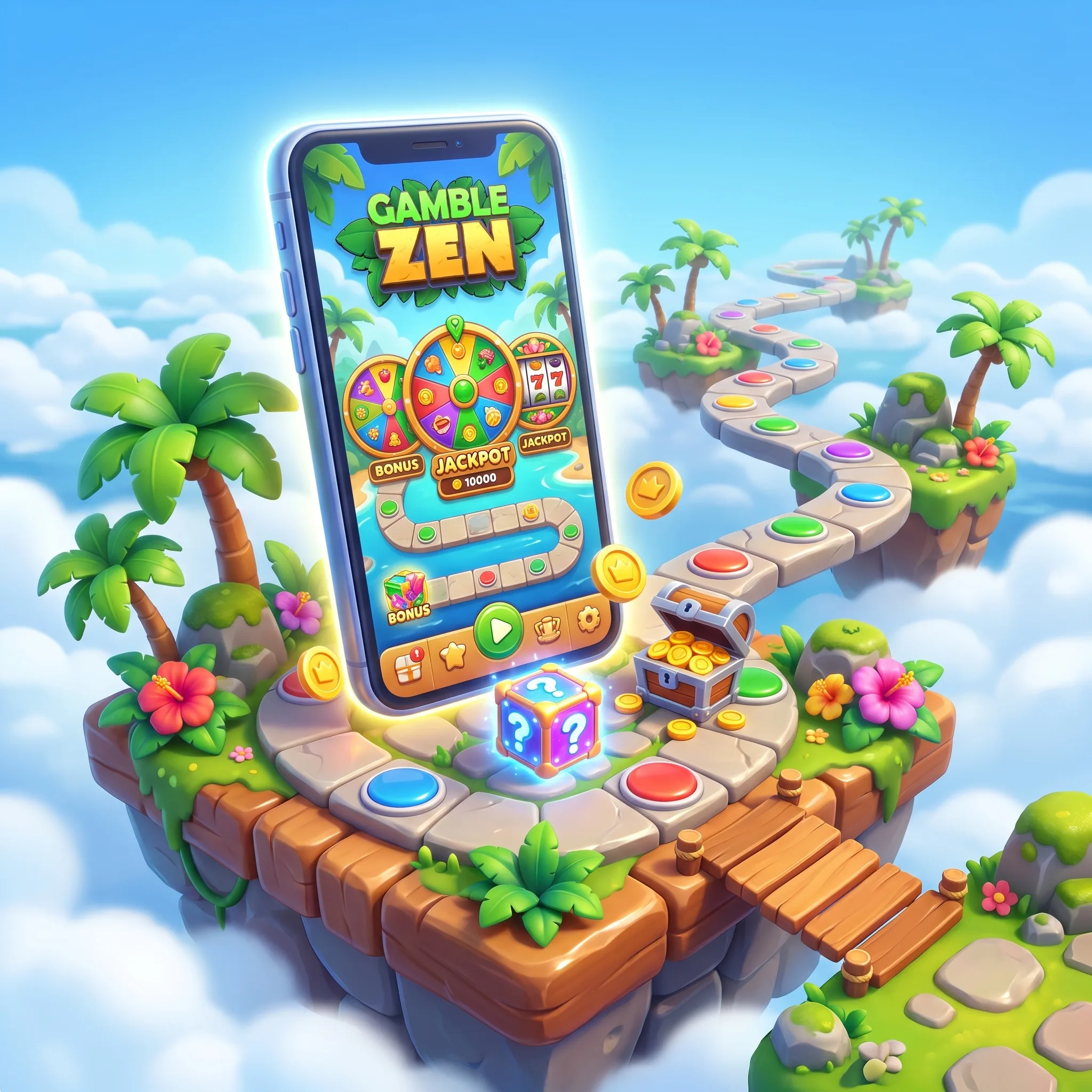
Android installation: verify the source before the file
- Open GambleZen in Chrome from the official address.
- Sign in and locate the mobile or download control.
- Download the APK only from that route.
- If Android requests permission, allow installs for Chrome temporarily.
- Open the downloaded file and review the app name and requested permissions.
- Complete installation, then disable the temporary unknown-app permission.
- Launch the icon and sign in with your existing credentials.
Reject APK files delivered through messages, pop-ups or mirror sites. Updates should come from the same account or download route used for installation.
iPhone installation: Safari creates the shortcut
Open GambleZen in Safari, tap Share, select Add to Home Screen, confirm the name and tap Add. The icon launches the mobile site without creating a separate iOS account or balance. Keep Safari and iOS updated for payment redirects, document uploads and game compatibility.
What stays connected on mobile
The lobby still includes more than 12,000 games, search, favourites and provider filters. Sweet Bonanza, Gates of Olympus, Big Bass Bonanza, Fire Joker and live Evolution tables can be launched from the same catalogue when displayed. Promotions show the four-deposit CAD route, wagering and free-spin status. The cashier can present Interac, cards, wallets and crypto.
The GambleZen Canada bonus guide details the welcome stages and free-spin conditions shown on mobile.
For crypto, copy the address carefully and confirm the network before sending. For Interac, remain in the banking redirect until the transaction returns to the cashier. KYC documents can be photographed on mobile; use good light, include every corner and upload only through the secure verification route.
Mobile security and session control
Use device locking, a unique password and a private network for cashier activity. Do not save credentials on a shared phone. If a game disconnects, reopen the same title and check transaction history before placing another wager. Set a session duration before play and stop when it expires.
Performance choices for a 12,000-game lobby
Use search and favourites instead of reloading long category lists. Portrait mode suits most slots and account actions, while landscape gives live roulette and blackjack more room. A stable connection matters most during live tables, payment redirects and document uploads. Close background video when a stream stutters and keep the operating system, Chrome or Safari current.
If you are setting up an account on your phone, use the GambleZen Canada registration guide for CAD profile and verification details.
Payments need a final mobile check
Before confirming an Interac transfer, verify the amount remains in CAD and return to the cashier after bank approval. For cards and wallets, check that the holder name matches the GambleZen profile. For crypto, compare the first and last characters of the address after pasting and confirm the network a second time. Keep the transaction reference until the balance or withdrawal status updates.
Mobile access does not change bonus, verification or responsible-gambling rules. The same limits and account status follow your login across devices.
FAQ
No. Use the same GambleZen credentials and CAD balance.
Only through the download control reached from the official GambleZen site or account.
Use Safari’s Share menu and select Add to Home Screen.
Yes. Activate the stage in Promotions before making the qualifying deposit.
It can appear for eligible accounts; follow the banking redirect and return to the cashier confirmation.
Yes. Photograph clear, current documents and use the secure upload route.
Use the official download or update control and replace the old package only after confirming the source.
Check the game history and balance before replaying; completed rounds settle according to the server record.
The responsive lobby supports slots, live tables and instant formats, subject to the title and device browser.